


Set Up Smart Share on Your TV: Cast, Mirror, or DLNA
How do I set up smart share on my TV?
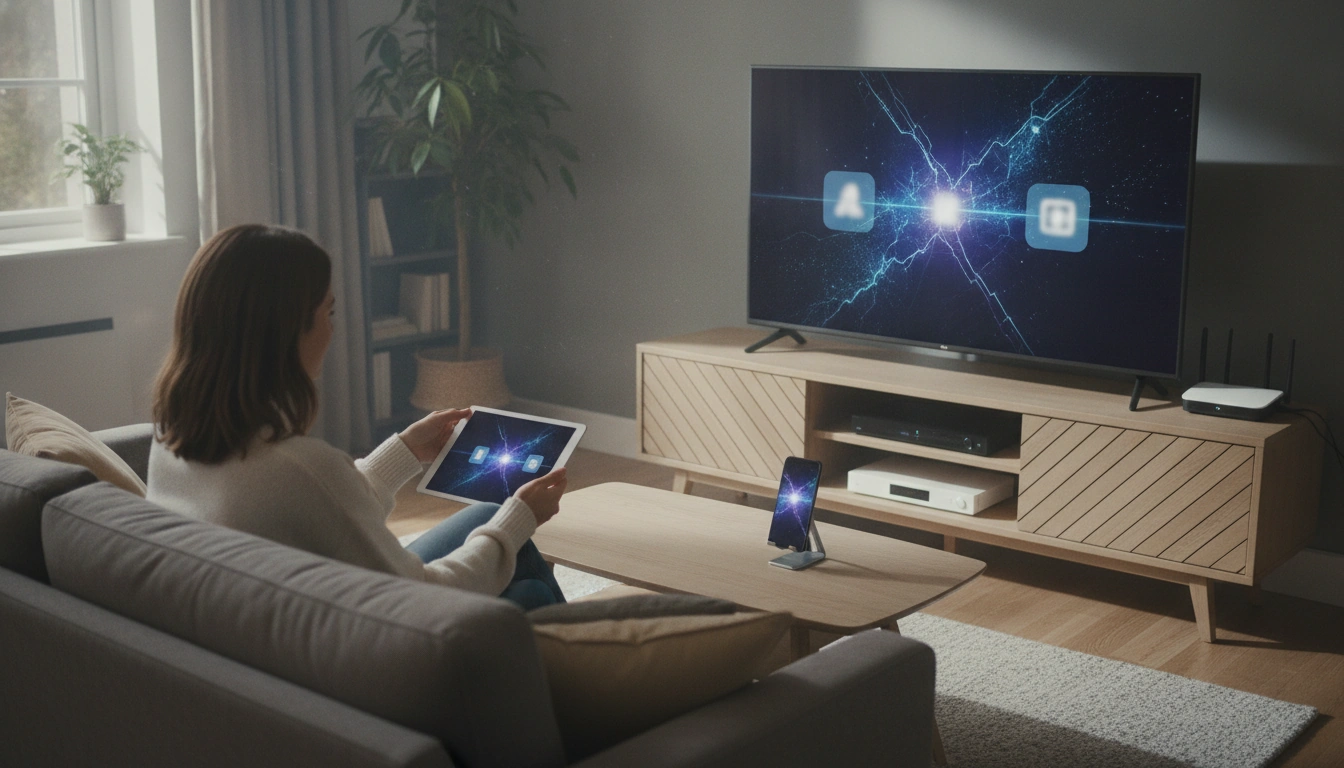
“Smart Share” usually refers to sharing photos, videos, and music from your phone or computer to your TV using screen mirroring, a built-in share app, or DLNA. Because the exact steps vary by brand (LG, Samsung, Roku TV, Android/Google TV, Fire TV), the fastest setup is to confirm your TV’s sharing method, connect everything to the same Wi‑Fi network, then enable the TV’s share/mirroring feature and pair your device.
1) Connect your TV and device to the same network
On your TV, open Settings and connect to your home Wi‑Fi. Do the same on your phone/tablet or computer. Smart sharing features typically won’t work across different networks or guest Wi‑Fi.
2) Turn on the TV’s Smart Share / Mirroring feature
Look for one of these menu items: Smart Share, Screen Mirroring, Cast, AirPlay, DLNA, or Media Sharing. Enable it and keep the TV on that screen if it prompts you to “wait for a device.” Some TVs also have a privacy toggle like “Ask for permission” before connecting—leave it on for easier troubleshooting.
3) Share from your phone or computer
On Android, use Cast/Smart View/Screen Cast from Quick Settings. On iPhone/iPad, use AirPlay from Control Center (if supported). On Windows, use “Project” (Win+K/Win+P depending on version) for wireless display; for DLNA, use a media player that can “Play to” a device. Select your TV, accept any on-screen prompt, and start playback.
4) Fix common setup issues
If your TV doesn’t appear, restart the TV and your device, confirm both are on the same Wi‑Fi band, and temporarily disable VPNs. Also check for firmware updates on the TV and app updates on your phone. If mirroring stutters, move closer to the router or use a 5 GHz network when available.
For brand-specific steps and troubleshooting, visit the full guide: https://topbargainsworld.shop/how-do-i-set-up-smart-share-on-my-tv/.
FAQ
Why won’t my TV show up when I try to cast or mirror?
Most often, the TV and your device are on different Wi‑Fi networks/bands, or the TV’s mirroring/casting setting is turned off. Restart both devices and confirm any permissions prompt on the TV is accepted.















Leave a comment